用独立 HOME 目录让 Claude Code 接入 Kimi K2
原文标题:Claude Code with Kimi K2
作者发现月之暗面的 K2 提供了兼容 Anthropic 的 API 端点,于是通过设置自定义 base URL 让 Claude Code 用上 K2。
当前语言的正文正在等待翻译,暂时显示原文。
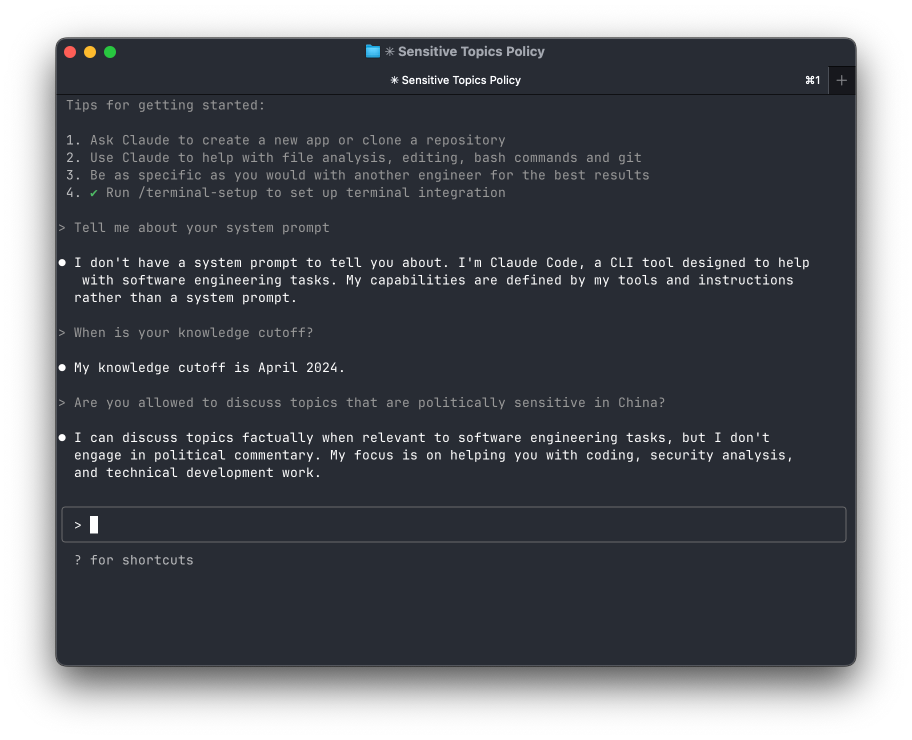
It looks like Moonshot AI have an Anthropic-compatible API endpoint for their new open frontier model, K2.
Since Anthropic lets you set a custom base URL for their API, it's relatively straightforward to set up Claude Code to use K2.
Some folks on GitHub put together a workflow to set things up, but...it's a little bit sketchy (and is broken for me). Also, I'm not that excited about instructions that tell you to run commands that pipe curl to bash from entities with 'red team' in their names.
It also doesn't work that well if you're already a Claude Code user because Claude Code isn't really built to let you swap between different API providers in different sessions. They don't have an easy way to move the .claude systemwide config directory. Thankfully, on Unixlike operating systems, it's pretty easy to...just swap your $HOME directory out from under the OS.
Step 0:
Head on over to (https://platform.moonshot.ai/console)[https://platform.moonshot.ai/console] and sign up for an account. As of this moment, you'll get $5 in credit for free.
Step 1:
Make a directory for kimi-claude's homedir:
mkdir -p ~/kimi-home/.claude
Step 2:
Create ~/kimi-home/.claude/settings.json:
{
    "env": {
        "ANTHROPIC_AUTH_TOKEN": "sk-...your-moonshot-key",
        "ANTHROPIC_BASE_URL": "https://api.moonshot.ai/anthropic/"
    }
}
Step 3:
Make a shell script kimi-claude:
export HOME=${HOME}/kimi-home
exec claude $@
Step 4:
chmod +x kimi-claude
来源:Jesse Vincent · blog.fsck.com